Backup & Storage
Ransomware Basics: How It Works and How to Prepare
Ransomware locks your files and demands payment. Learn how attacks usually start and the preparation steps that make the biggest difference.
Plain-English guides to everyday software, devices and online safety. Backups, passwords, spreadsheets, Wi-Fi and the small habits that save you from big problems.
Start with: The 3-2-1 Backup Rule: A Simple Plan to Protect Your Files
Ransomware locks your files and demands payment. Learn how attacks usually start and the preparation steps that make the biggest difference.
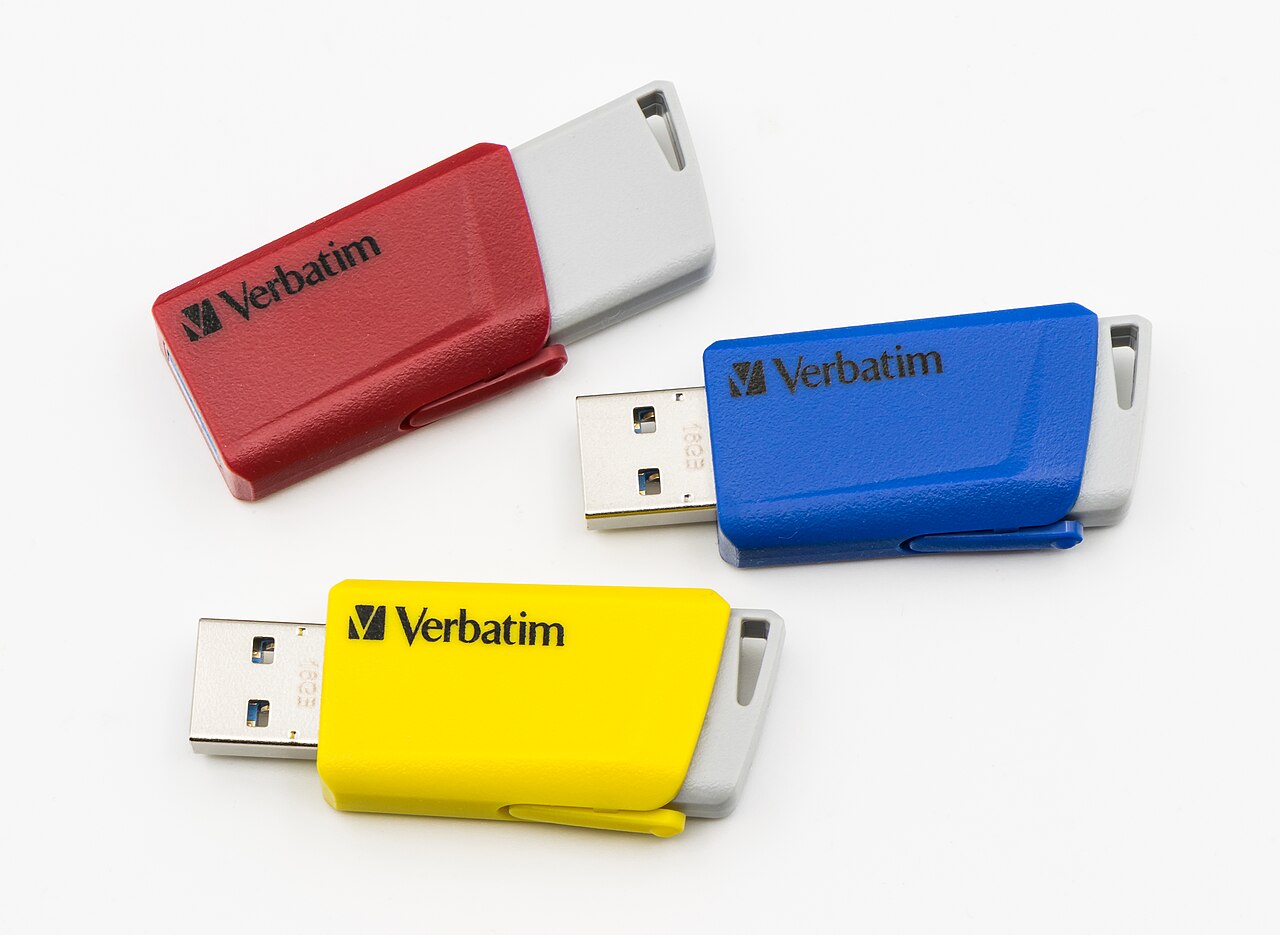
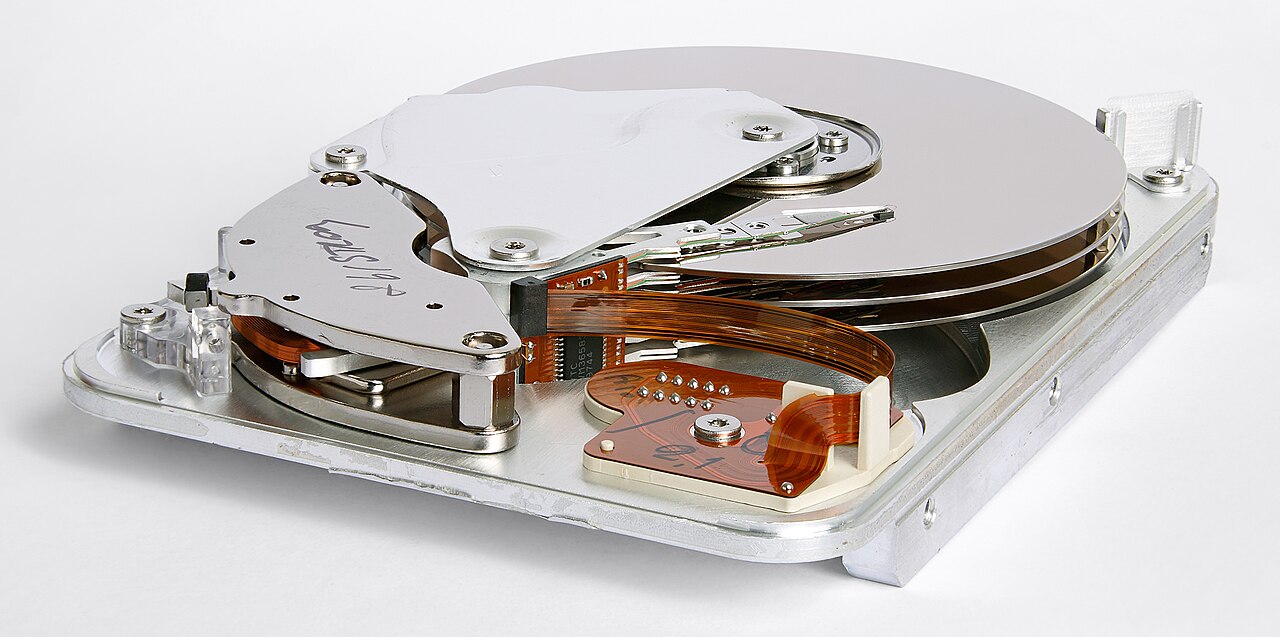
Solid-state drives and spinning hard drives both work for backups. Compare speed, cost, durability and lifespan so you buy the right one.
A backup you have never restored is only a hope. Follow this short drill to prove your files can come back, and fix problems early.
Long and unique beats complicated. Learn the current advice from CISA and the UK NCSC on passwords, passphrases and the mistakes that still get accounts broken into.
A password manager creates and remembers strong passwords for you. Here is what to look for, how to set one up, and the risks to understand.
Two-step verification stops most account takeovers even when a password leaks. Learn the methods, which are strongest, and how to set it up without locking yourself out.
Phishing tries to rush you into clicking, paying or sharing a login. Learn the warning signs, what to do instead, and what to do if you already clicked.
Updates fix security flaws that criminals actively use. Turn on automatic updates for your operating system, browser, phone and apps with this short checklist.
Data breaches leak millions of logins. Learn how to check whether your email address appears in one, what to change first, and how to avoid the next scam.
Fake pop-ups and phone calls claim your computer is infected. Learn the telltale signs, the safe response, and how to recover if you let someone in.
Your router is the front door to every device at home. Change the default passwords, use modern encryption, update the firmware and set up a guest network.
A consistent file naming scheme saves hours of searching. Use dates, short descriptions and version numbers, and keep your folder tree simple.
Long and unique beats complicated. Learn the current advice from CISA and the UK NCSC on passwords, passphrases and the mistakes that still get accounts broken into.
A password manager creates and remembers strong passwords for you. Here is what to look for, how to set one up, and the risks to understand.
Two-step verification stops most account takeovers even when a password leaks. Learn the methods, which are strongest, and how to set it up without locking yourself out.
Keep three copies of your data, on two kinds of storage, with one copy somewhere else. Here is how to set it up at home or for a small business.
Ransomware locks your files and demands payment. Learn how attacks usually start and the preparation steps that make the biggest difference.
Solid-state drives and spinning hard drives both work for backups. Compare speed, cost, durability and lifespan so you buy the right one.
A consistent file naming scheme saves hours of searching. Use dates, short descriptions and version numbers, and keep your folder tree simple.
Lookup formulas find a value in one column and return a match from another. Learn how VLOOKUP and XLOOKUP differ, with worked examples and the mistakes to avoid.
SUMIFS adds numbers that meet one or more conditions, such as sales by one person for one product. See the syntax, worked examples and common errors.
Full-disk encryption keeps your files unreadable if your laptop is lost or stolen. Learn how to turn it on for Windows and Mac, and how to keep your recovery key safe.
Running out of space slows updates and apps. Use macOS's built-in Storage settings to see what takes space, optimise it and delete safely.
A slow Windows PC often has a simple cause: low storage, too many startup apps, missing updates or malware. Work through these steps in order.
Your router is the front door to every device at home. Change the default passwords, use modern encryption, update the firmware and set up a guest network.
A comfortable desk setup reduces strain. Use OSHA's neutral posture checklist to adjust your chair, screen and keyboard, and build movement into your day.
Good audio, simple lighting and a few privacy settings make video calls easier for everyone. Use this checklist before your next meeting.
Each guide links to the official documentation or standards body behind it, such as government cyber agencies, NIST, and the support pages of the software makers. We use an AI writing assistant to draft pages, and we say so on every page and in our editorial policy. We do not invent testing, reviews or personal stories.